 CYBRARY
 Practice with the workflow. Perform with the tools.
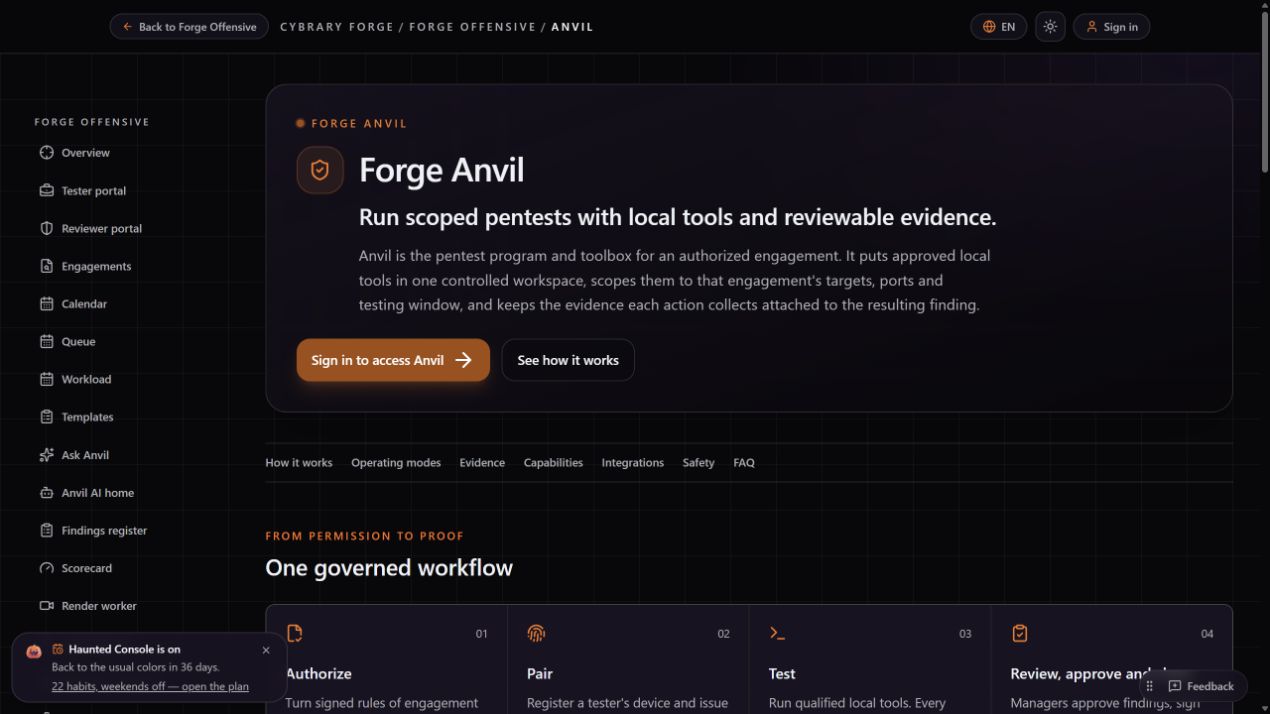
Anvil brings actual assessment tools into a scoped engagement workspace. Define authorization, run tools through the configured runtime, review original output and manage findings and reporting. Forge training uses emulated assessment workflows.
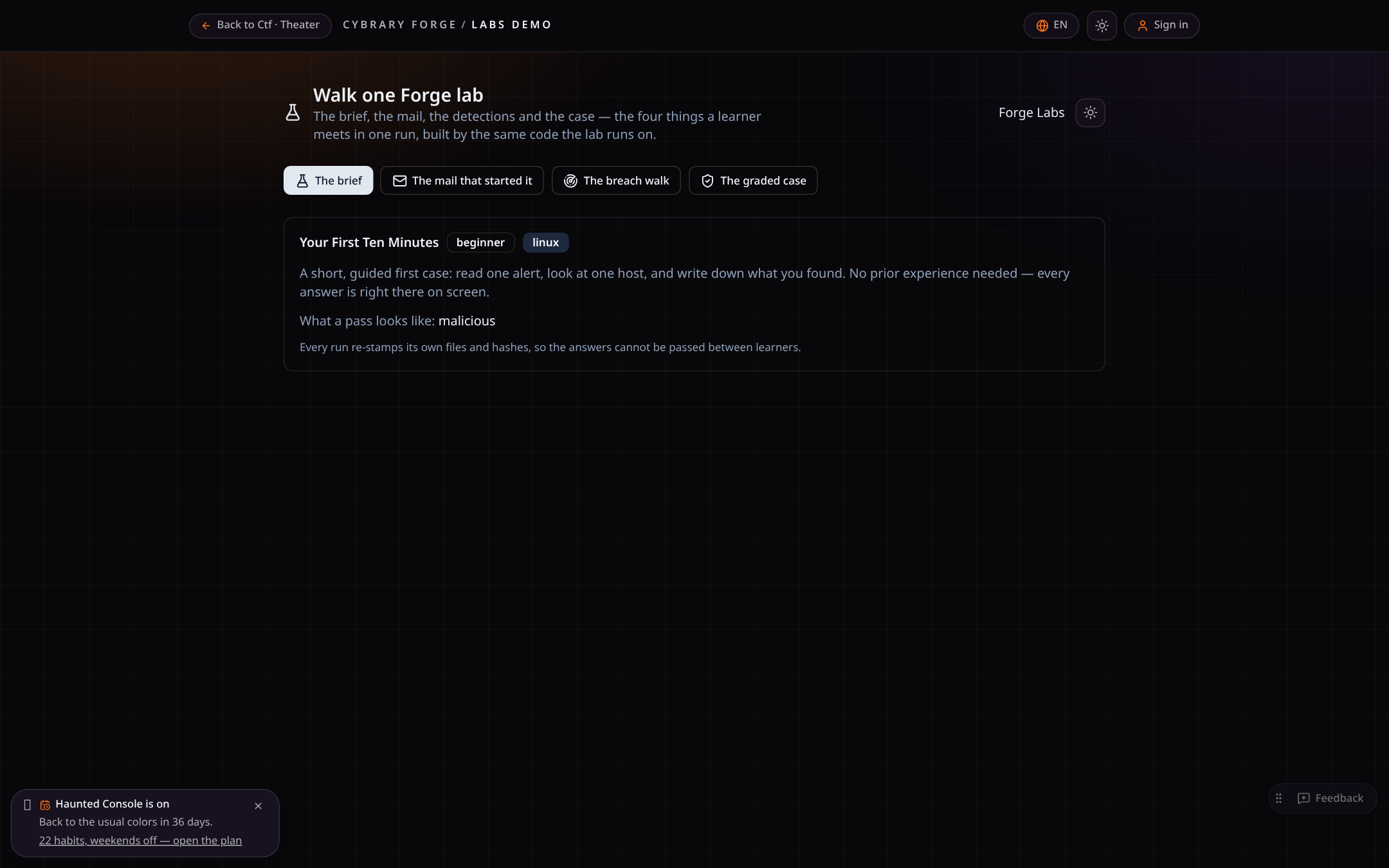
Follow a finding from command to report
A recorded walkthrough of the real evidence path: scope, approved command, original output and the reviewed finding.
From approved command to reviewable finding.
Cited answers and evidence-quality checks.
Reporting and remediation hand-offs.
Emulated engagements, CVSS findings and reports.
Turn an approved finding into private team practice, then record the real retest.
- 01Authorize
Scope and permission are recorded before any testing.
- 02Test locally
Your own tools on your own machine, inside the agreed scope.
- 03Review
Findings are drafted from evidence and approved by a manager.
- 04Report
PDF and Word reports, replay and a signed-off close.
AI that cites evidence and never approves testing
Ask Anvil answers with citations from the engagement and drafts findings from real output. Chat is communication, not authorization.
What you get with Forge
| Capability | Cybrary Forge |
|---|---|
| Recorded scope and authorization | Yes |
| Manager-approved findings | Yes |
| Evidence-cited AI answers | Yes |
| PDF and Word reports | Yes |
| Engagement replay | Yes |
| Finding-to-exercise practice loop | Yes |
Forge capabilities verified in the product. Competitor documentation varies; absence from their materials is not treated as absence of functionality.
Bring your pentest work into one place.
Follow a finding from command to report, or talk to us about your team's engagements.